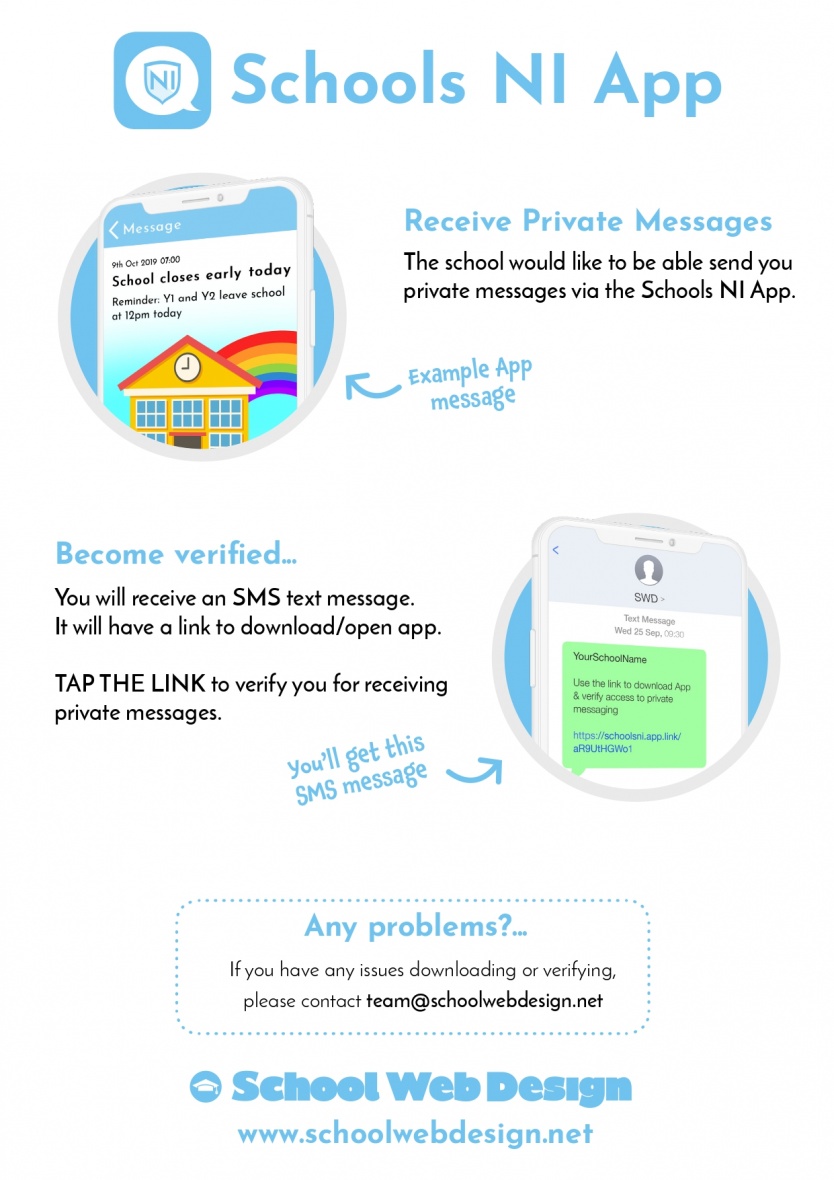
Go to the help/support section in the app and press "Send Test Notification". If you don't get the test message please delete the app and do a fresh install from the SMS link.
If you do get the message check you can see your mobile number at the bottom of the messages tab. If not you will need to verify your app via the SMS link. If you don't have this you should see a request option at the top of the list in messages or contact app support via the app help/support section.